


Automated Package Usage Guide
Create Package
Click on the automated Package in the left menu bar to enter the page, click Add to open the drawer 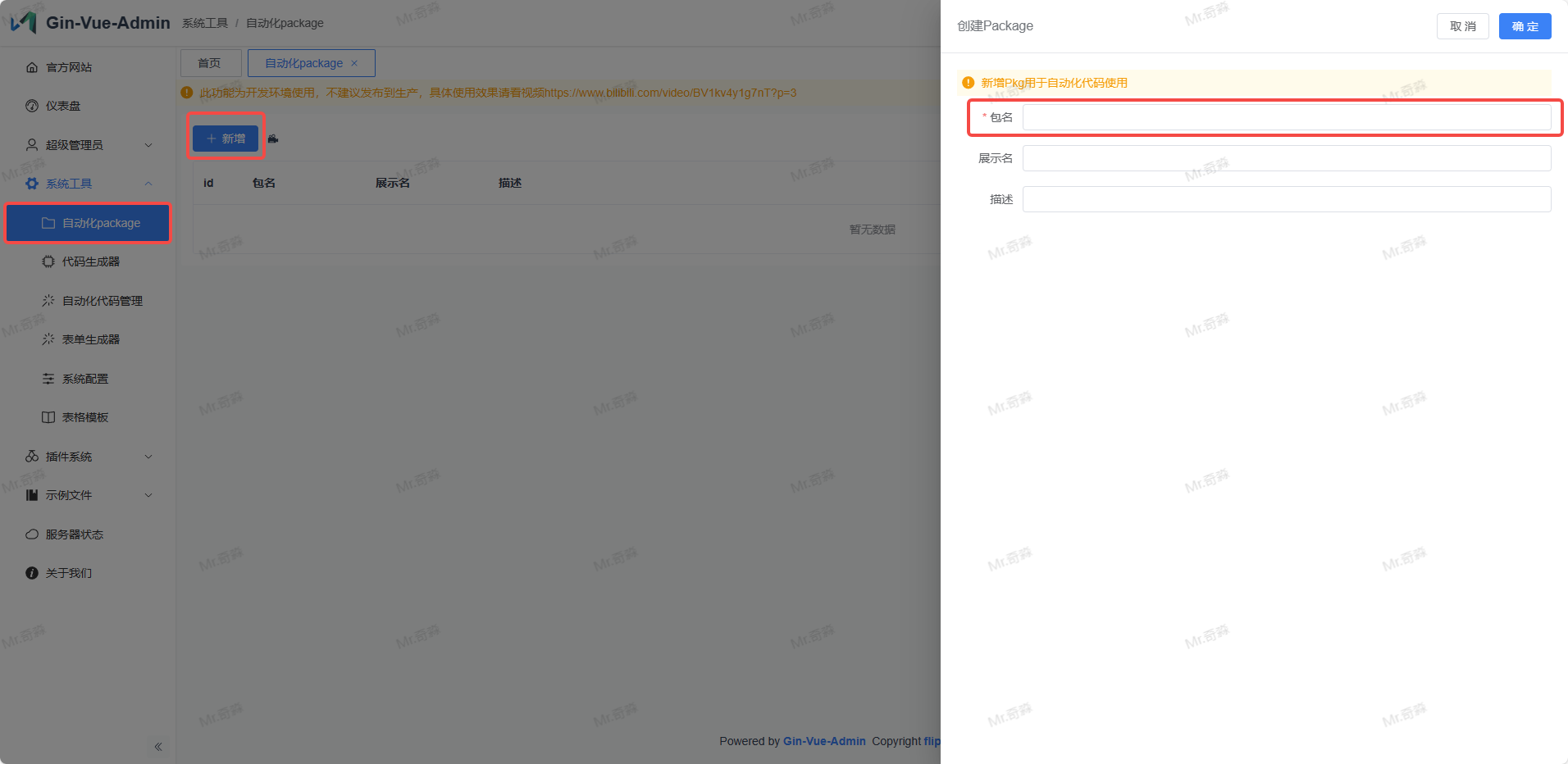
The key attribute in the drawer is the package name. Fill in camelCase words starting with lowercase letters here. This is your automated code base package. All code created when selecting this package during automated code creation will be created in the folder automatically created by this function. Here shows the automatically generated file directory using showGva as an example.
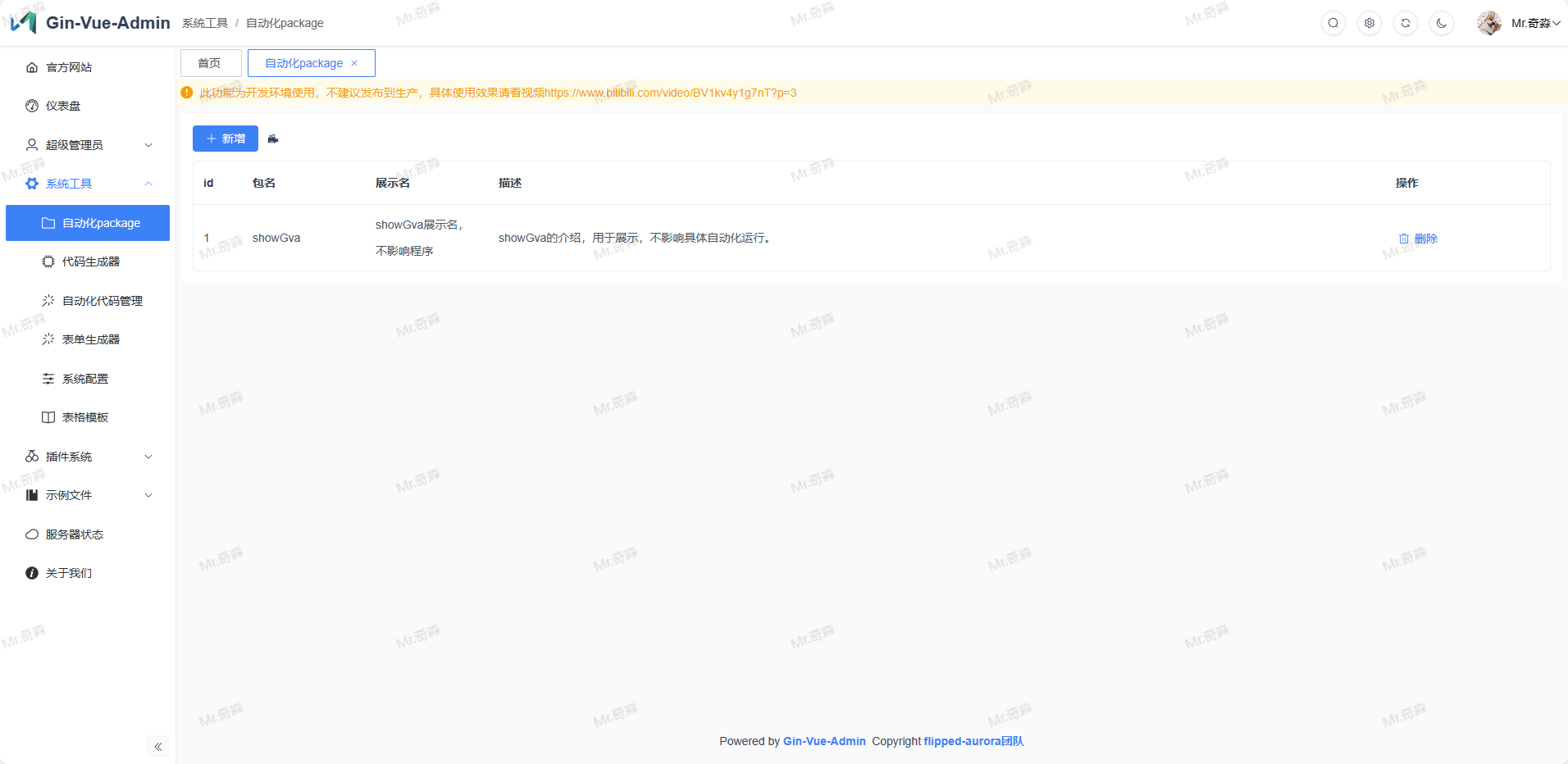 After creation is complete, corresponding package folders will be created under web and server as shown below web/src/api/showGva web/src/view/showGva server/api/showGva contains file
 enter.go server/router/showGva contains file enter.go server/service/showGva contains file enter.go
Subsequent content created using automated code will automatically fill into these folders