MCP AI Assistant Integration
Revolutionary AI development experience! Through MCP (Model Context Protocol), AI editing tools can deeply understand the GVA project structure, achieving intelligent code generation and project management.
Version Requirements
Using MCP functionality requires GVA version ≥ 2.8.4, please ensure your project version meets the requirements.
Try to use claude > gemini > gpt = kimi models for better results
✨ Core Features
- 🚀 Intelligent Code Generation: AI automatically creates complete CRUD templates
- 🔍 Intelligent File Search: Automatically locate related files and provide precise modification suggestions
- 🎯 Automated Workflow: One-click generation of API interfaces and menu configuration
- 🧠 Context Understanding: AI deeply understands project architecture, providing more accurate code linkage
🛠️ AI Editor Configuration
Supported AI Editors
- Trae (try to use trae.ai international version)
- Cursor
- Claude Code
- Windsurf
- Codebubby
- Other AI editors that support MCP protocol
Configuration Steps
Step 1: Start GVA Project
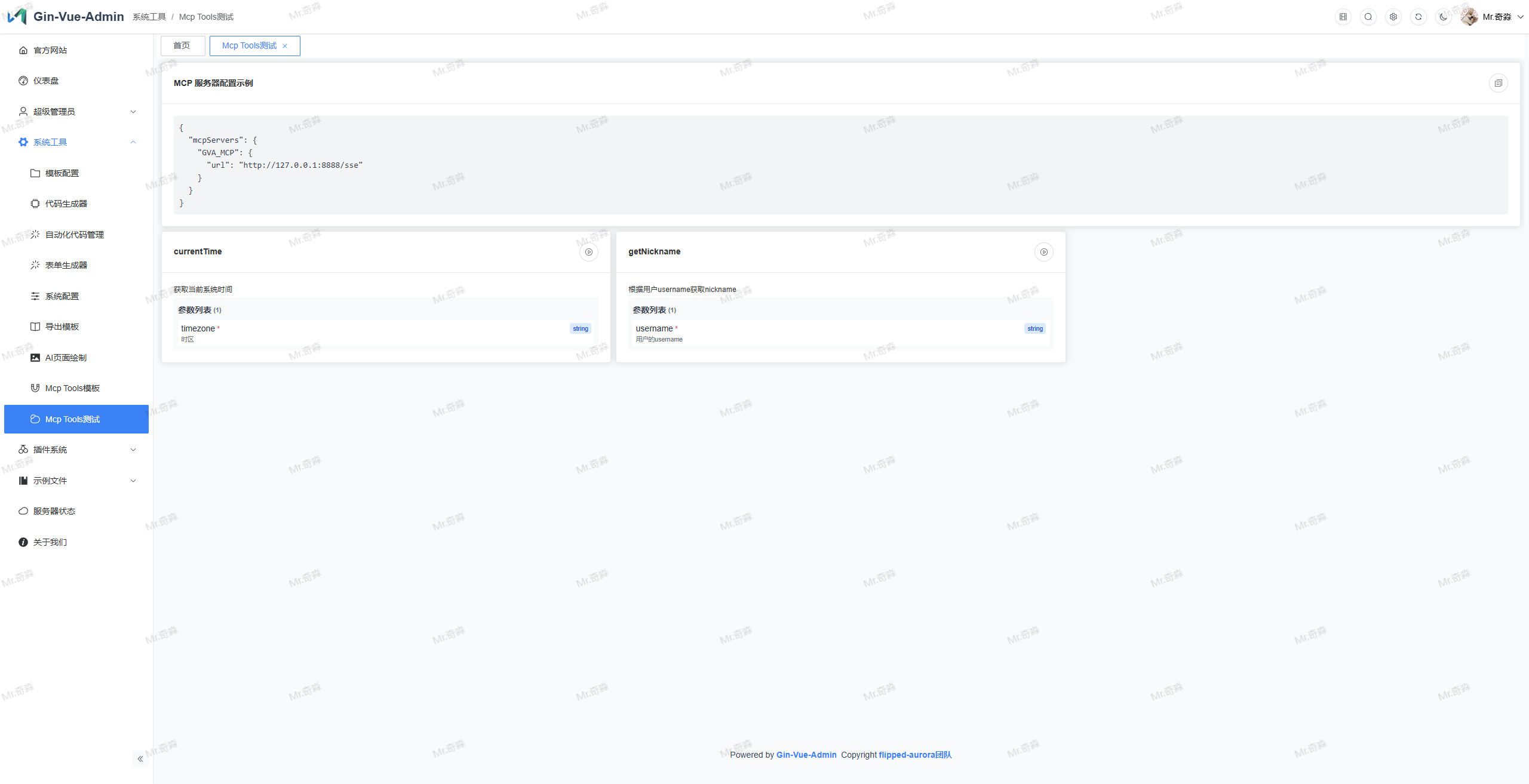
Ensure your GVA project is running, MCP service will automatically start at http://127.0.0.1:8888/sse
Step 2: Configure AI Editor
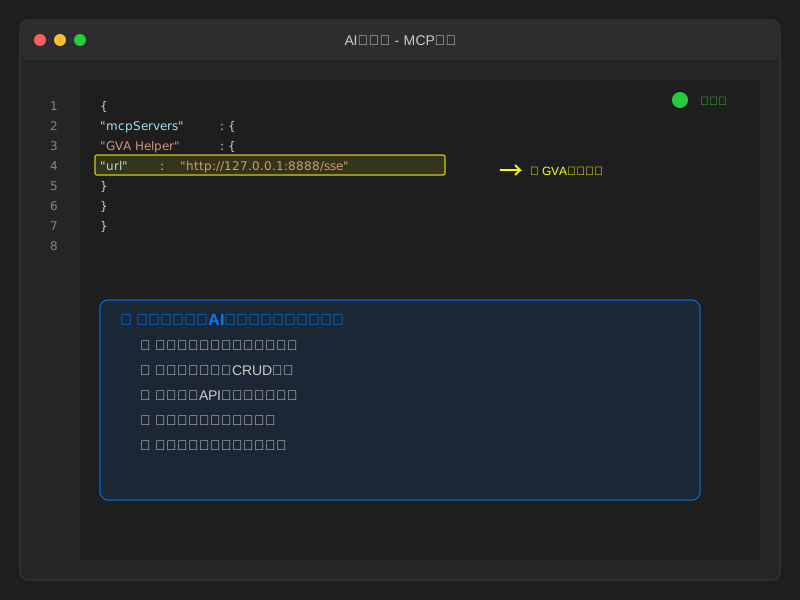
Add the following MCP configuration in your AI editor's configuration file:
{
  "mcpServers": {
    "GVA Helper": {
      "url": "http://127.0.0.1:8888/sse"
    }
  }
}
Step 3: Restart Editor
After saving the configuration, restart your AI editing tool, wait for MCP connection to be established, green MCP status indicates successful connection
🚀 AI Assistant New Capabilities
After configuration, the AI assistant will gain the following superpowers:
- 🧠 Deep Project Understanding: Automatically identify GVA project structure and code patterns
- 🎯 Intelligent Code Generation: Automatically generate complete functional modules based on requirements
- 🔍 Precise File Location: Quickly find related files and provide modification suggestions
- 📱 Full-stack Development: Handle frontend, backend, and database code generation simultaneously
- 🎨 UI Automation: Automatically configure routes, menus, and permission systems
Usage Examples
Just tell the AI: "I want to create a user management module", and the AI will:
- 📋 Automatically generate user table structure
- 🔧 Create complete CRUD API
- 🎨 Generate frontend management pages
- 📱 Configure menus and routes
- 🔐 Set up permission controls
🎓 Developer Training Resources
Authorized User Internal Training Documentation [Public]
MCP Internal Training Documentation
Video Tutorials
Configuration File Description
mcp:
    name: GVA_MCP  # MCP service name
    version: v1.0.0 # Version number
    sse_path: /sse # SSE path
    message_path: /message # Message path
    url_prefix: '' # URL prefix
Auto-fill Page Parameter Example
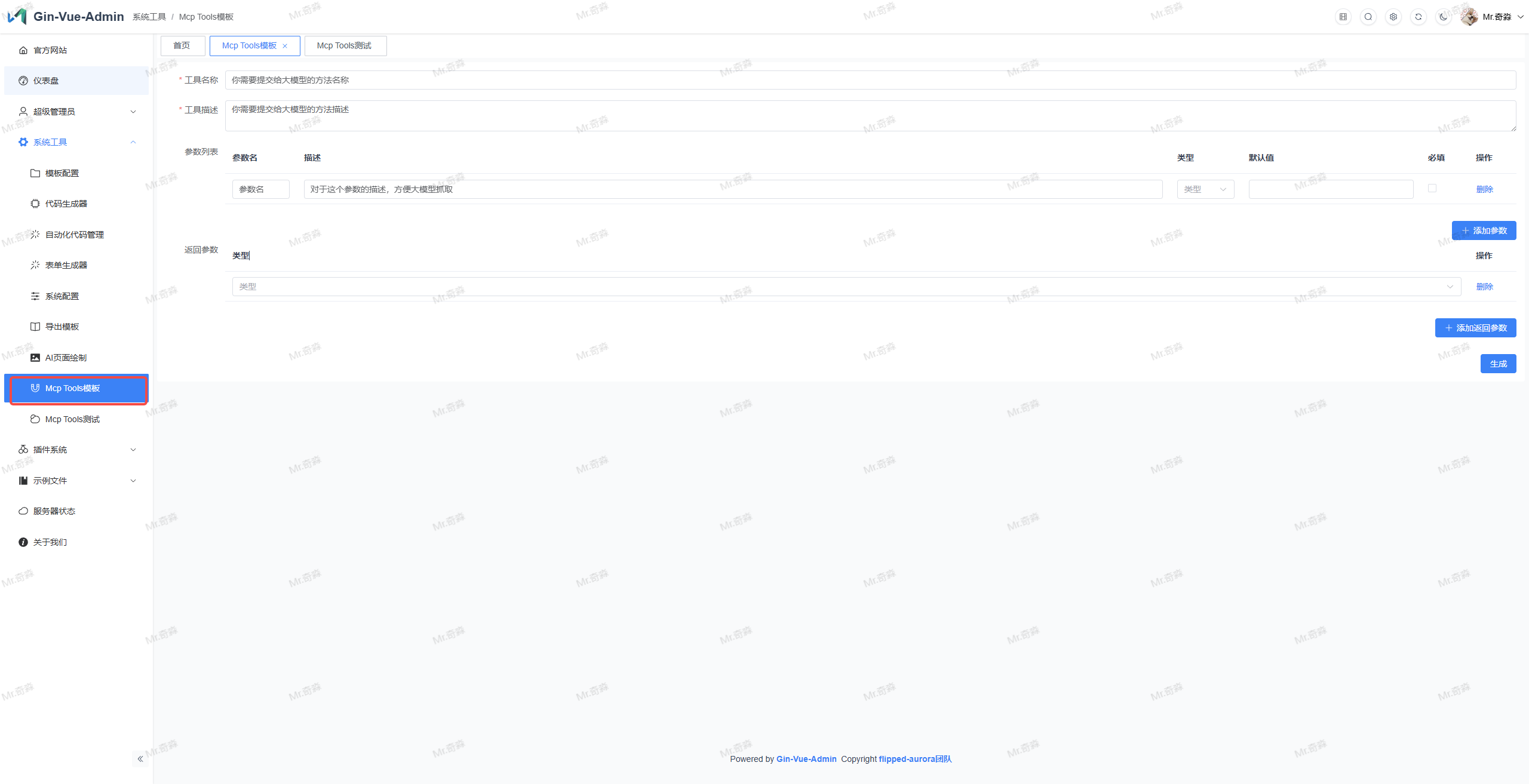
After clicking generate, the backend will get MCP template
Write business logic in the template's handle function to implement a simple MCP tool
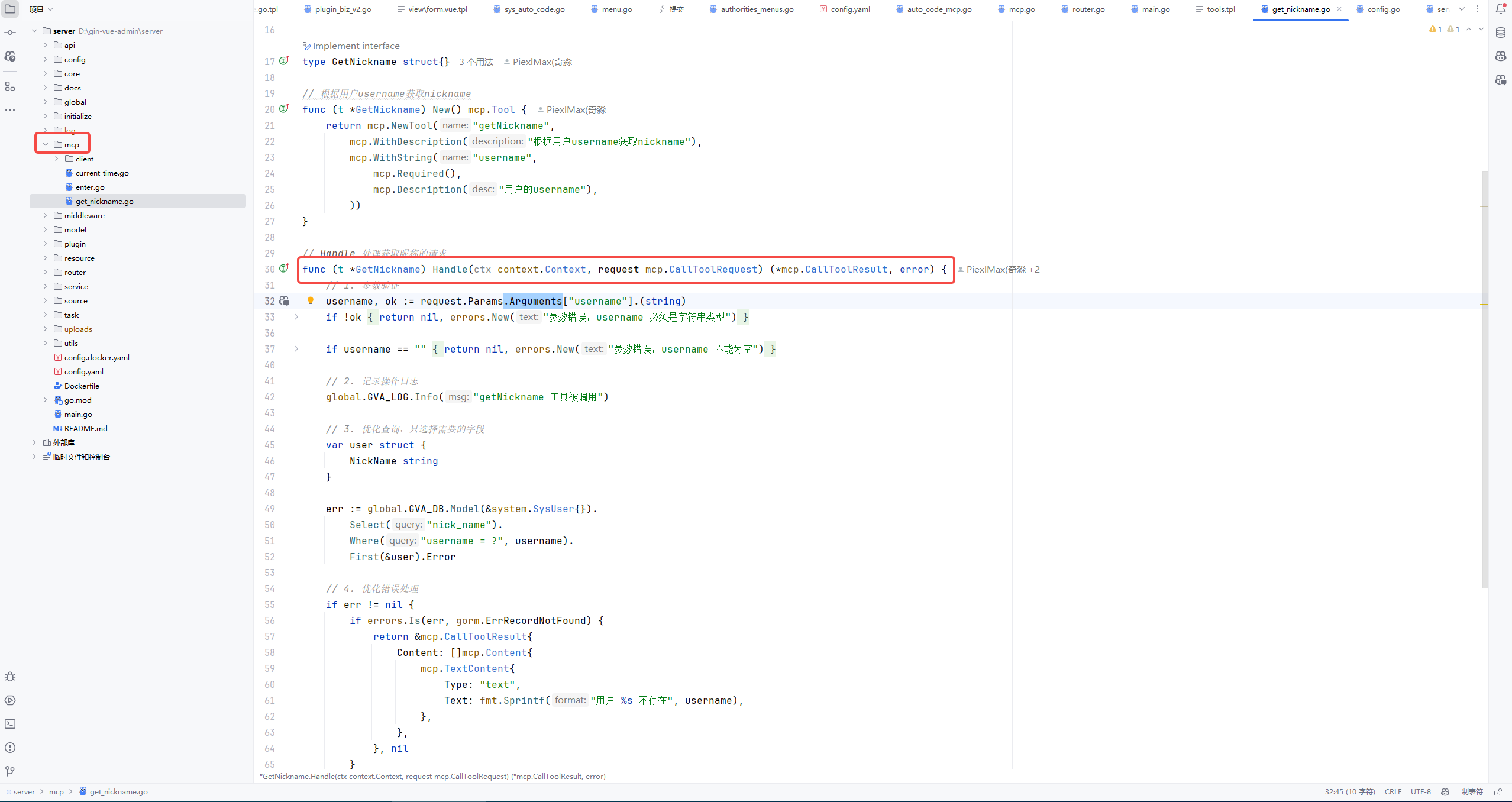
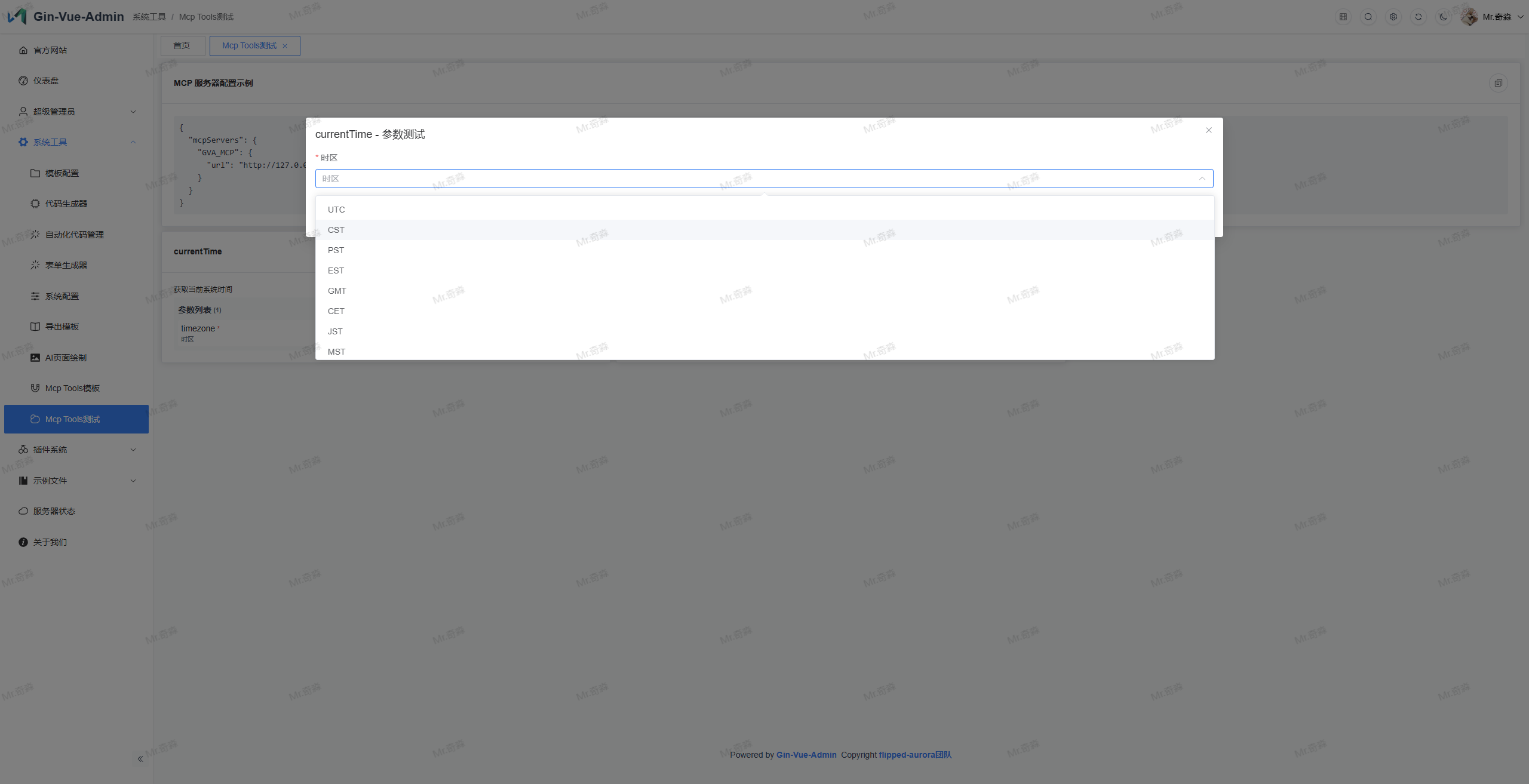
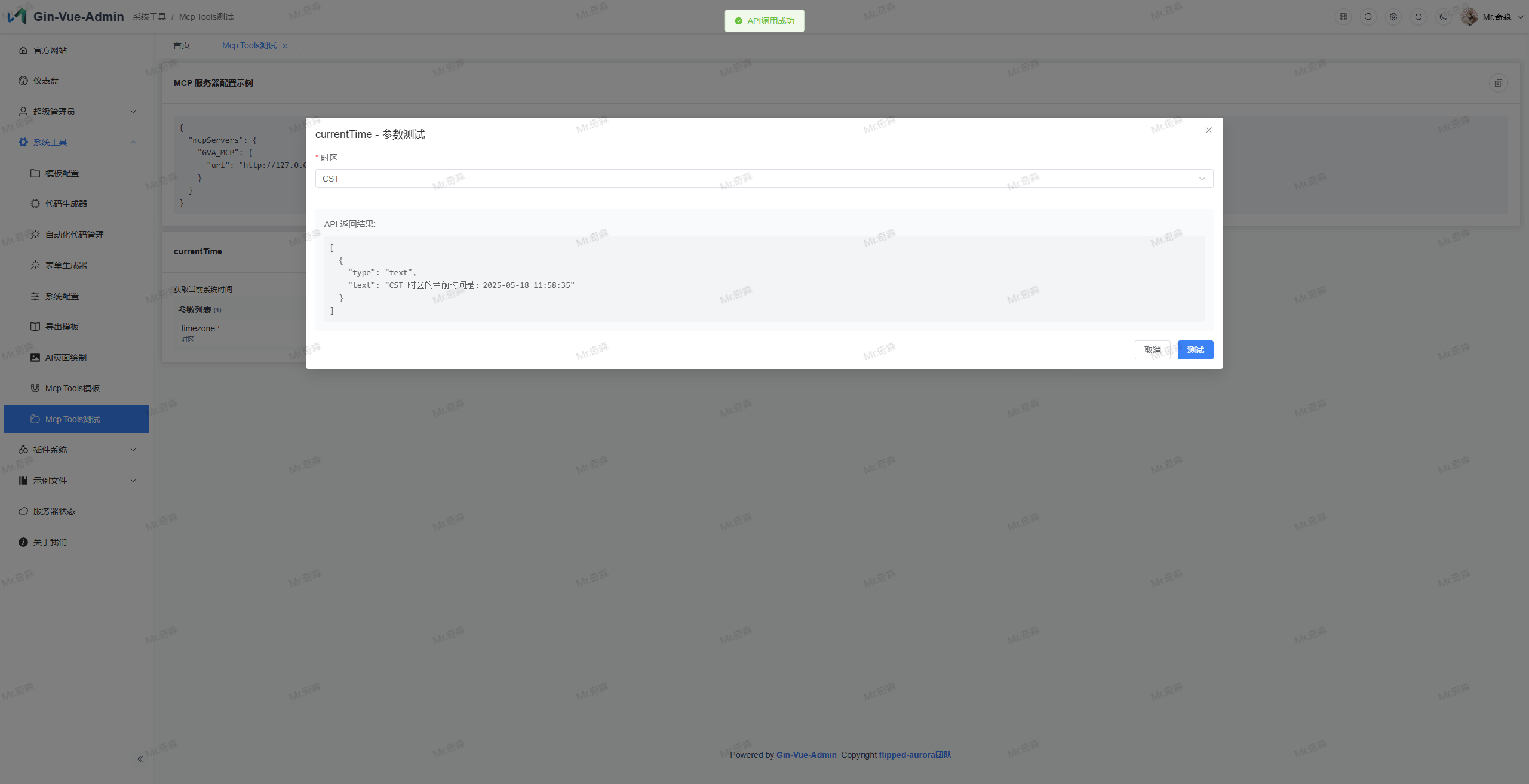
Debug Tool Display